
Generate highly-customized, professional QR codes completely offline. Free QR Code Generator
Free QR Code Generator
Create professional and customizable QR codes for URLs, text, email, phone numbers, SMS, WhatsApp, WiFi, vCards, Google Maps, social media and more.
How to Use the QR Code Generator
Creating a QR code with our tool is simple. Follow these steps to generate and customize your QR code:
- Select your desired QR Code type from the available options.
- Enter the required information, such as a URL, text, email address, phone number, SMS message, WhatsApp message, WiFi details, contact information or location.
- Customize your QR code using colors, gradients, shapes, corner styles, frames and a logo if needed.
- Adjust the size and error correction level according to your requirements.
- Check the live preview to make sure the QR code looks correct.
- Download, print, copy or share your finished QR code.
The entire process is designed to be quick and beginner-friendly, so you can create a customized QR code without complicated setup.
What Is a QR Code Generator?
In today’s digital world, QR codes have become an essential part of sharing information quickly and conveniently. A QR Code Generator is an online tool that allows users to create customized QR codes for websites, text, contact details, social media profiles, WiFi credentials and much more.
Instead of typing long URLs or contact information manually, users can simply scan a QR code using their smartphone and quickly access the information stored in the code.
Our QR Code Generator helps you create professional and customizable QR codes directly in your browser without requiring registration, an API key or software installation.
What Is a QR Code?
QR stands for Quick Response. A QR code is a two-dimensional barcode that can store information in a machine-readable format.
Depending on the type of QR code, it can contain a website URL, plain text, contact information, phone number, email information, WiFi details, social media information, a map location and more.
When someone scans the QR code using a compatible smartphone or QR scanner, the stored information can be accessed quickly without manually typing the information.
Types of QR Codes You Can Create
Our QR Code Generator supports multiple QR code types for different personal, educational and business needs.
This flexibility makes the tool useful for website owners, businesses, students, teachers, marketers, freelancers and everyday users.
Features of Our QR Code Generator
Multiple QR Code Types
Create QR codes for URLs, plain text, email, phone numbers, SMS, WhatsApp, WiFi, vCards, Google Maps locations and social media profiles.
Custom Design Options
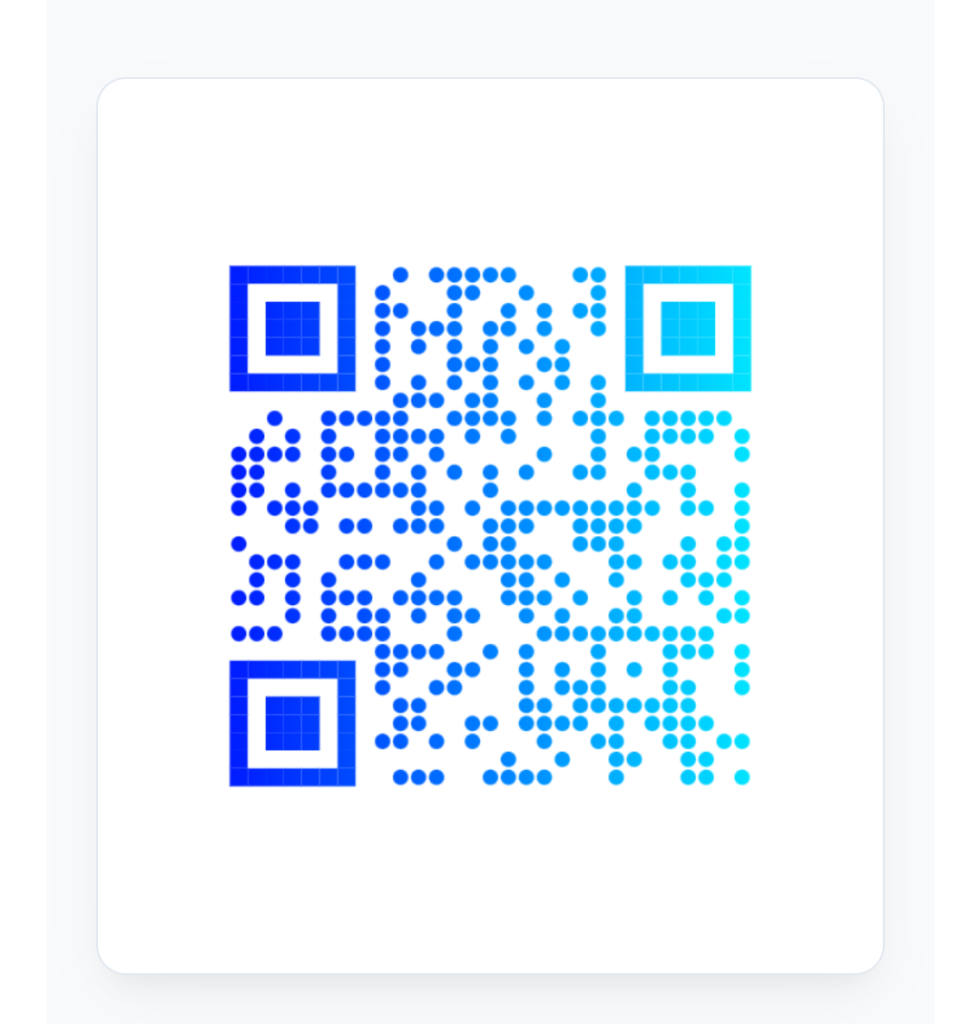
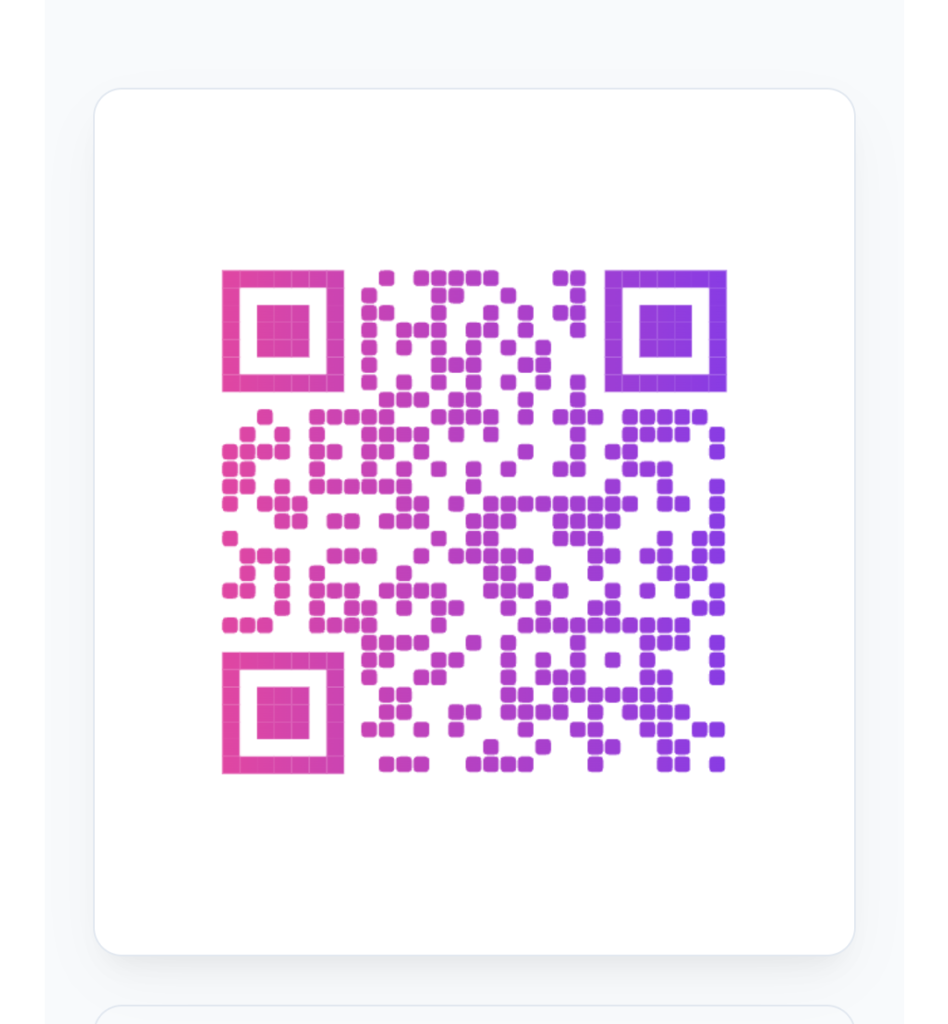
Customize the appearance of your QR code by changing foreground and background colors, applying gradients, choosing different shapes, customizing corner styles and adding stylish frames.
Logo Support
Upload and place your own logo in the center of the QR code to create a more personalized and branded design.
Error Correction Levels
Choose from error correction levels L, M, Q and H. These levels help QR codes remain readable when part of the code is damaged or covered.
Live Preview
See your QR code update as you enter information and change the design, making it easier to check the final appearance before downloading.
Download and Share
Download your generated QR code in PNG, SVG or JPEG format. You can also print, copy and share your QR code.
Why Use Our QR Code Generator?
Our QR Code Generator is designed to make QR code creation simple while giving you enough customization options to create codes for personal, educational and business use.
Customize Your QR Code
A basic black-and-white QR code works well, but customization allows you to create a QR code that better matches your brand, project or marketing material.
Change Colors
You can change the foreground and background colors of your QR code. When using custom colors, maintain enough contrast between the QR pattern and its background for reliable scanning.
Apply Gradient Effects
Gradient effects can give your QR code a more modern appearance. The tool supports gradient styling for creating visually distinctive QR codes.
Choose Different QR Shapes
Depending on the available design options, you can choose different QR shapes such as square, rounded, circular or diamond-style designs.
Customize Corner Styles
QR code corner elements can also be customized to create a different visual appearance while keeping the important scanning structure of the QR code.
Add Your Own Logo
You can upload and place your own logo in the center of the QR code. When using a logo, always test the finished QR code with a smartphone before publishing or printing it.
Add a Frame and Custom Text
Stylish frames can be added around the QR code, including custom text such as “Scan Me” when supported by the tool.
Understanding QR Code Error Correction Levels
QR codes include built-in error correction that helps them remain readable even when a portion of the code is damaged, dirty or covered.
| Level | Approx. Recovery Capacity | General Use |
|---|---|---|
| L | About 7% | Suitable for cleaner environments |
| M | About 15% | Common general-purpose choice |
| Q | About 25% | Useful for more demanding conditions |
| H | About 30% | Useful when more damage tolerance is needed |
Higher error correction can provide greater resilience, but it may also make the QR code denser. Choose the level according to your design and scanning requirements.
Best Practices for Creating Better QR Codes
Follow these simple tips to create QR codes that are easier to scan and more suitable for real-world use.
- Use strong contrast between the QR code and its background.
- Keep enough clear space around the QR code.
- Avoid covering too much of the QR pattern with a logo.
- Avoid excessive design changes that may reduce scan accuracy.
- Choose a QR code size appropriate for the viewing distance.
- Double-check URLs, contact details and other information before generating the final QR code.
- Test the QR code on multiple smartphones before publishing or printing it.
Where Can You Use QR Codes?
QR codes are widely used across personal, educational and business applications because they provide a simple way to connect physical materials with digital information.
Retail
Retail businesses can use QR codes for product information, promotional offers, loyalty programs, online shopping and customer engagement.
Restaurants
Restaurants can use QR codes for digital menus, table ordering, customer feedback forms and other customer-facing information.
Education
Schools, teachers and students can use QR codes to share assignments, study materials, online resources and event information.
Healthcare
QR codes can be used in healthcare environments for accessing information, appointment-related resources, medicine tracking and other digital services.
Events
Event organizers can use QR codes for registration pages, ticket verification, schedules and venue information.
Real Estate
Property agents can place QR codes on advertisements so potential buyers can quickly access property information, images, videos or virtual tours.
Whether you are promoting a website, sharing WiFi information, providing a digital menu or simplifying information sharing, QR codes can make the process faster and more convenient.
Final Thoughts
QR codes provide a simple way to connect physical materials with digital information. They can be used for websites, contact details, WiFi information, menus, maps, social media profiles and many other purposes.
Our free QR Code Generator gives you the flexibility to create and customize QR codes with different content types, colors, gradients, shapes, logos, frames and error correction options.
Before publishing or printing a customized QR code, always test it with a smartphone to make sure it scans correctly.
Create Your QR Code in Seconds
Choose a QR code type, enter your information, customize the design and download your finished QR code.
Frequently Asked Questions
Common questions about creating and using QR codes.
Is this QR Code Generator free to use?
Do I need an API key?
Can I add my own logo to a QR code?
Which download formats are available?
Are generated QR codes permanent?
Can I create QR codes on mobile?
Is the information I enter private?
Can I customize the colors and shape of my QR code?
Why is my QR code not scanning properly?
Latest Posts
- Bluehost Hosting Review 2026: Pricing, Plans & WordPress Hosting
- 12 Free SEO Tools for Websites & YouTube to Improve Your Content
- Systeme.io Review 2026: Pricing, Free Plan, Features & Sales Funnels
- What Is an Image Resizer? Image Dimensions, Pixels, Size & Resolution Explained
- Backwards Text: How to Write, Reverse & Copy Text Backwards
- Online Diff: The Ultimate Guide to Comparing Two Texts
- How to Remove Line Breaks in Excel, Word & Notepad
- How to Remove Duplicate Lines from Any Text (Guide)
- YouTube Title Ideas That Make Your Videos Easier to Discover
- How to Extract Tags From YouTube Videos: A Complete Guide